API-first electronic signatures
Electronic signatures you can check for yourself
For teams that send contracts from their own software. Send a PDF through the API or the web app, get it signed, and keep a record you can prove has not changed.
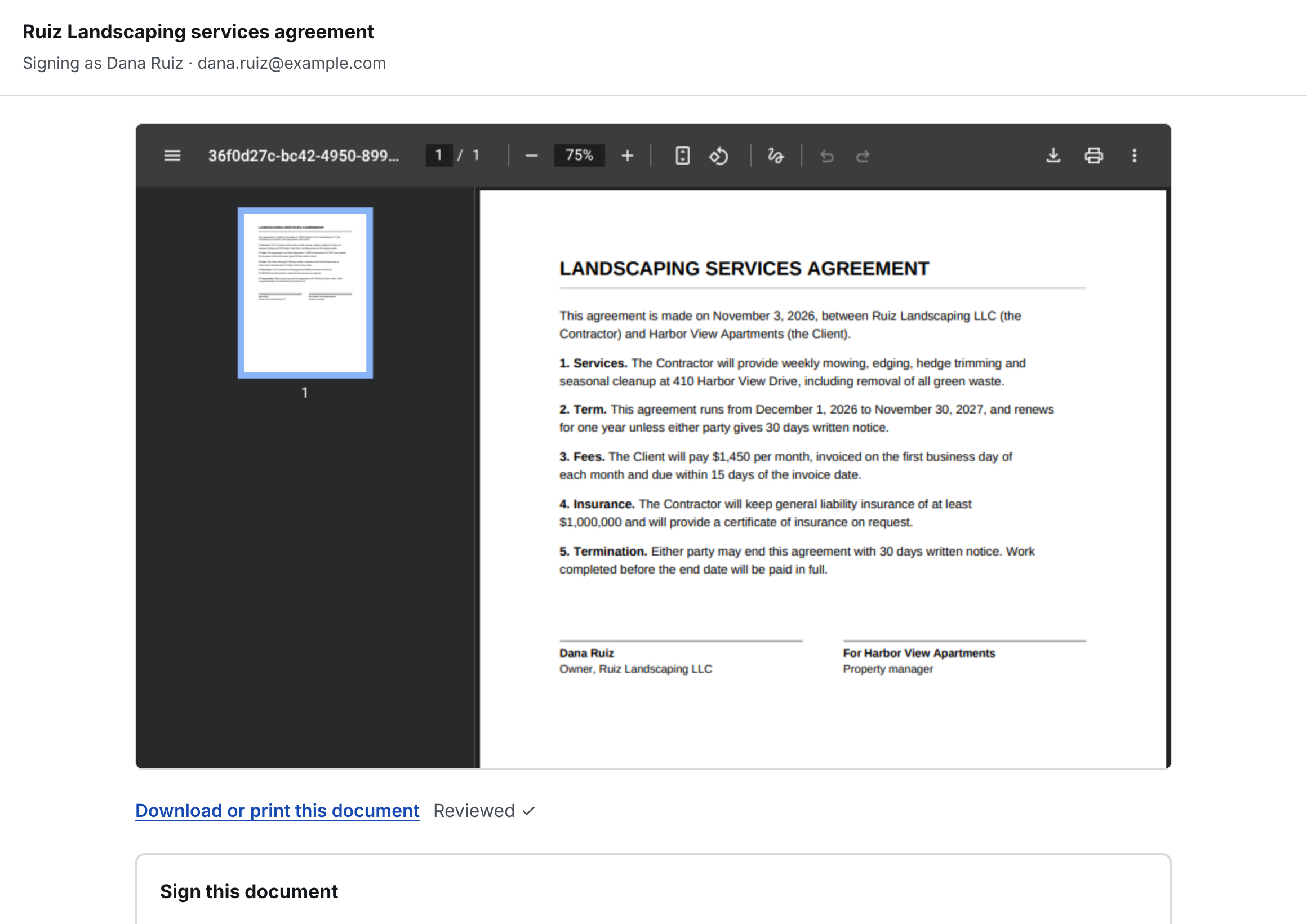
What you get with signrs
Every feature, for everyone
Every customer gets every feature. Nothing is locked to a plan or a tier.
Each signature leaves the last one intact
Signatures are applied as PDF incremental updates. Each one is appended after the bytes before it, which are never rewritten.
Time you can check
If no timestamp authority can be reached, signing fails. signrs never substitutes its own clock.
How every signature is recorded
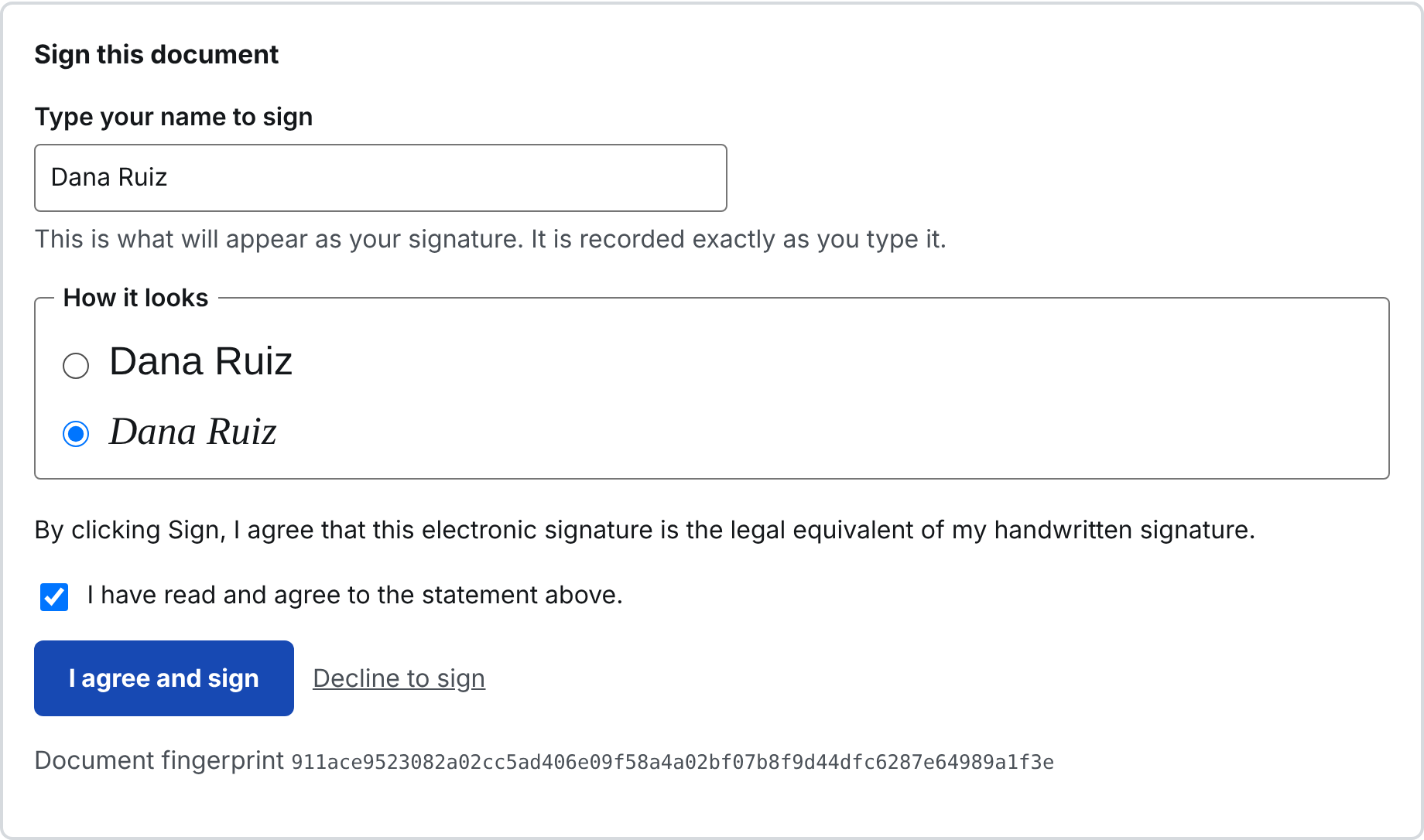
For each signer, we record a SHA-256 hash of the exact document they were shown.
Every audit record carries the hash of the one before it, so an altered or deleted record breaks the chain at the point it was changed.
The head of the chain is periodically timestamped by an independent RFC 3161 timestamp authority, so the trail can be shown to have existed, unaltered, at that time.
party.link_accessedDana opens the link- globalSeq
18642- occurredAt
2026-11-03T16:47:30.512Z- prevHash
ceed97a996…fc5831- recordHash
2e42b4b7fb…e9947f
signature.appliedDana signs- globalSeq
18643- occurredAt
2026-11-03T16:51:04.087Z- presentedHash
911ace9523082a02cc5ad406e09f58a4a02bf07b8f9d44dfc6287e64989a1f3e- prevHash
2e42b4b7fb…e9947f- recordHash
4458e4443c…5492f7
- presentedHash is the SHA-256 of the document Dana was shown. Compare it with the fingerprint on her signing page.
- prevHash is the recordHash of the record before.
- recordHash is the SHA-256 of this record together with its prevHash.
These are real records for the example above, chained and checked when this page was built. What you receive when everyone has signed
Your signers don't need an account
- Signers do not need an account. They sign from the link they were sent.
- The signing page never blocks download, print, save or copy, and always offers the document to download.
The web app uses the same public API
The signrs web app is a client of the same public API you use. It cannot do anything the API cannot.
The API reference is generated from the same schemas the server validates every request against, and the build fails if it is out of date.
curl https://api.signrs.com/api/v1/envelopes \
  -H "Authorization: Bearer $SIGNRS_TOKEN" \
  -H "Content-Type: application/json" \
  -d '{
    "title": "Ruiz Landscaping services agreement",
    "parties": [
      { "role": "SIGNER", "name": "Dana Ruiz",
        "email": "dana.ruiz@example.com" }
    ]
  }'
What works today
In the web app today you can upload a PDF, place signature, initials, date, checkbox and text fields, add signers and CC recipients, and send it for signing.
Everything else is on one list, so you can check before you start.
Start with the API
Every endpoint, with the requests and responses the server accepts.
Read the API reference